What is content management system (CMS)?
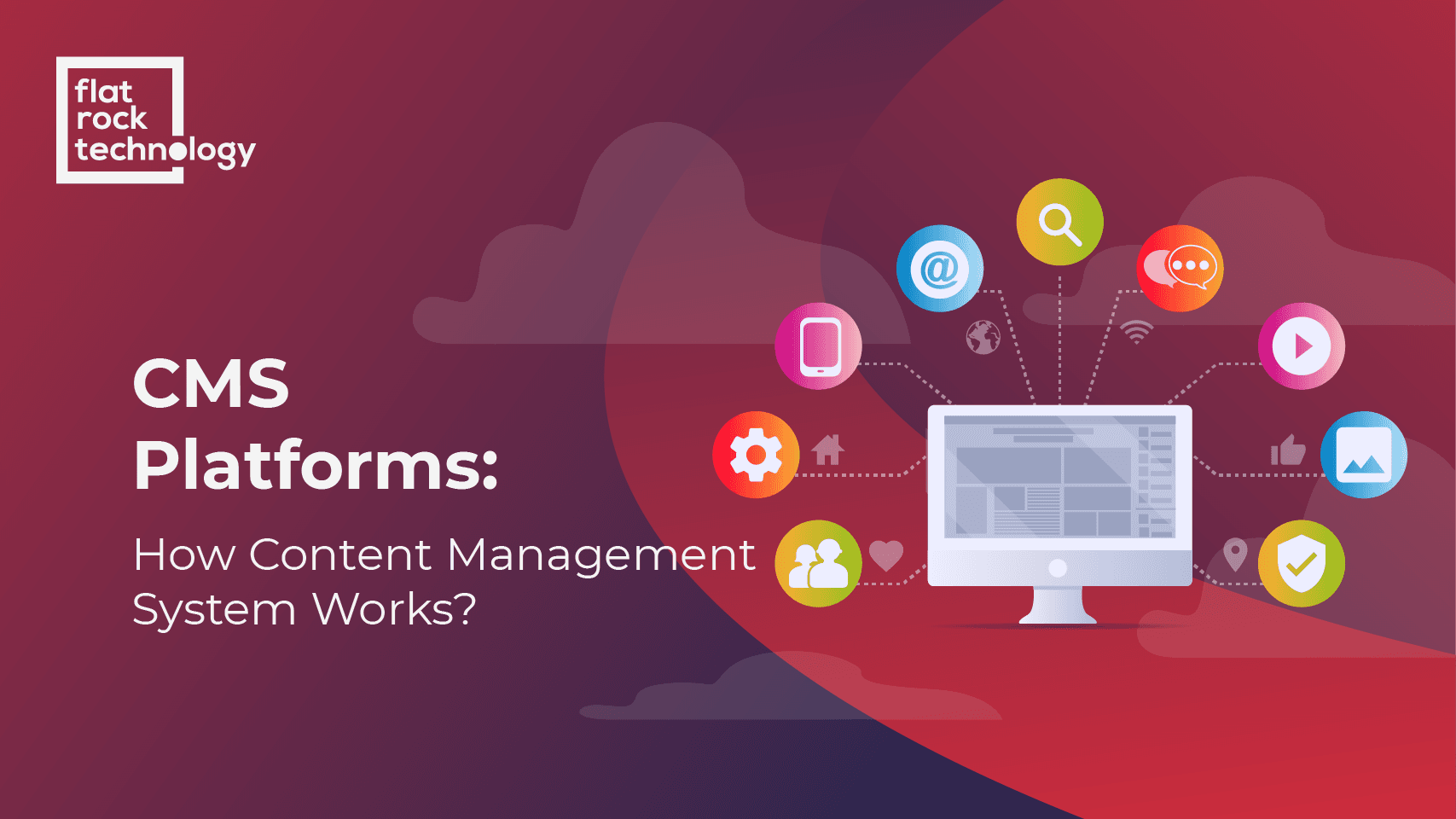
Content Management System (CMS) is a software platform that facilitates the management, organization, and structure of content. Many CMS systems do not require any HTML or technical knowledge and are very user-friendly.
Several open-source content management systems do not require payment to be used but may be prone to limited functionality and customization. Such systems are WordPress (very popular for blog creation), Joomla, Drupal.
How does CMS work?
What makes a good Content Management System Software?
Important frontend features:
- SEO friendly URLs
- Customizable page templates (feat. YouTube video embedding, RSS feed, carousel boxes, etc.)
- Integration of various web 2.0 & social networking widgets for bookmarking and sharing
- Option for an integrated blog
Important backend features:
How to choose CMS for your website
Now as we have discussed what is a CMS platform, what are main features of it and why is it so important for your website, let's review the main points to consider before choosing the one. While the CMS of your choice should have all the features listed above, there's more to it.
Step 1 - Determine why you need CMS
Choosing the right content management system from the very beginning of website development is very important. It can save you much time and financial resources at a later stage. It is why you should carefully review all the features and functionalities before you make a decision.
A content management system is very important for managing website content and can make your life easier, but it does not mean that companies should jump into the selection process without validating the need for CMS first.
Often enough, companies decide to migrate to another CMS as they face an issue and consider a new CMS to be a solution to it.
If this situation is familiar to you, consider that changing the content management systems and migrating from one to another can be a long process that requires a lot of work and resources.
Think about the long-term implication of changing the management system. If the benefits of migrating from one CMS to another outweigh the resources you need to spend on the process, start the selection of a best-fitting system.
Step 2 - Make a shortlist
What is CMS software that fits your interests the best? There are dozens of content management systems. It is virtually impossible to check all of them and evaluate their features and functionalities. Instead, focus on your business and website.
Consider your budget, if you want to have a free CMS, buy a license or make a monthly payment. Filter platforms by the technology stack and the list of functionalities you need CMS to have.
After it, you will have a shortlist of possible content management systems that you can examine more closely.
Step 3 - Request a Demo
Frequently Asked Questions (FAQ) About Content Management System
What are examples of content management systems?
Why is a content management system important?
What is an enterprise content management system?
The role of a content management system is to allow companies, employees, and contributors to manage content on the website. A website owner can assign different roles to different people, such as admin, author, and editors to create, edit and publish content live.
How to use a CMS
What makes a good content management system?
A good CMS should allow you to organize your website interestingly and uniquely for your visitors. It should be flexible for designers and developers and easy to use for content managers. It should be secure, simple, SEO friendly, easy to maintain, and customize.