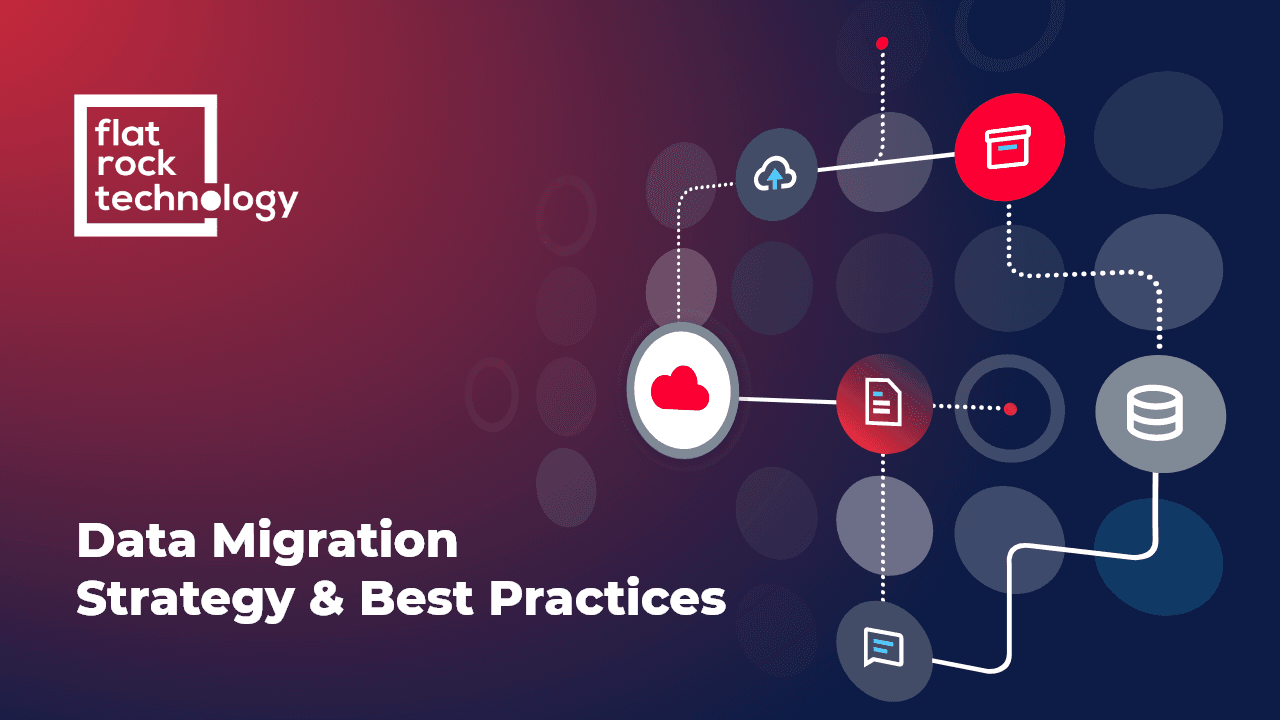
What is data migration?
Most often, organizations need data migration to transfer data from one server to another, to increase the ability to accommodate large volumes of data. However, it is not the only reason for migration. Other reasons include:
- Transferring data on the cloud, which recently gained a lot of popularity, as it helps companies eliminate the cost of IT infrastructure.
- Staying competitive on the business field by adopting leading technologies, creating the path for data migration.
- Cutting down operational costs by migrating data from storage to a system that consumes less space and power.
- Replacing outdated legacy systems that are unable to keep pace with the organization's evolving performance requirements.
Types of data migration
Usually, we categorize data migration into four main types: Storage migration, database migration, application migration, and cloud migration. But there is the fifth type that we need to include as well - business process migration.
Storage migration
Database migration
- The existing database software requires an update.
- The organization wants to change the database vendor.
- The organization wants to migrate database on cloud.
Cloud migration
Application migration
Business process migration
Business process migration is a more complex process. It occurs during business reorganizations, optimizations, mergers and acquisitions and includes the transfer of applications and databases that contain information about business customers, operations and products.
Why is it important to have a strategy?
Creating a complete data migration plan will help you mitigate possible challenges from the very beginning, like data loss, compatibility issues and poor execution. It will also help you stay within your timeline and budget.
The most common data migration strategies
"Big Bang" Migration
A Big Bang migration is the process where the full transfer happens in a limited window of time. During the transfer, while data goes through ETL processing and transitions to the new database live systems experience downtime.
This strategy has advantages and disadvantages as well. The main benefit is that the transfer requires relatively little time to complete. However, it also means that the process is more intense.
If you are planning to use the "Big Bang" strategy for data migration, make sure to go through the process upfront.
"Trickle" Migration
Trickle migration is opposite to Big Bang migration strategy. The process of data migration is in phases. During the migration, the old and new systems are running simultaneously in real-time and thus, can keep data continuously migrating.
Since the Trickle migration happens in phases, it can be more complex in design. However, if done right, it reduces risks significantly.
How to succeed with a data migration strategy
Create a strategy and stick to it
Audit data and make it ready for migration
When migrating data, you need to audit it first and fix issues if there are any. Audit the source database for obsolete records, unused field and database logic and make necessary changes before migrating data to the new system.
Backup the source data
One of the worst things that might happen during data migration is losing the data. Before the process starts, you need to make sure that you can restore any lost data. The best practice is to create a backup that allows you to restore data immediately.
Migrate
The best practice for data migration is to invest in software that allows you to schedule migrations of data subsets. It should also validate data integrity in the target platform, and issue reports for troubleshooting and verification.
Make a final test
Once you complete the migration process, test it by using a mirror of the production environment. When you see that everything is in order, you can go live and conduct the final test.
Once you complete data migration successfully, get ready for the next one, as you will have to do it in future as well. Use the information and experience you get during the migration to make the next one smoother.